Stop chasing clients. Get paid faster.
Automate invoice reminders via email + SMS (Coming Soon). Fully synced with QuickBooks.
As featured in


Automated invoice reminders that work
Built for freelancers, consultants, and small businesses who spend more time chasing payments than doing billable work. PayPrompt automates reminders via QuickBooks, email, and SMS so you get paid faster without the awkward follow-ups.

Connect to QuickBooks
In 2 clicks, connect your QuickBooks Online account and we’ll find open invoices.
Customizable reminders
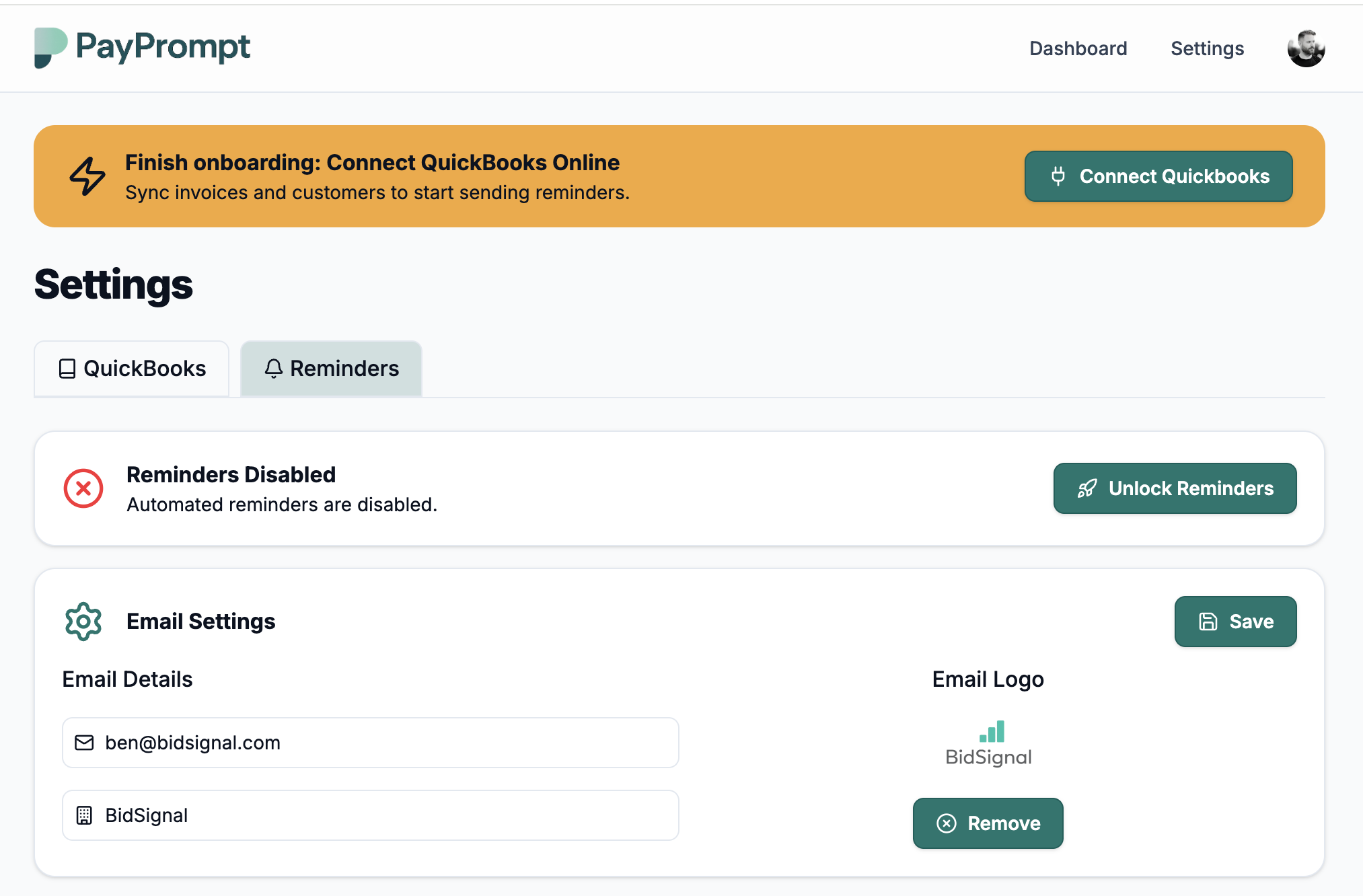
Automated reminders go out at 7, 14 and 30 days before an invoice due date and allow you to customize the message and send via email or SMS (Coming soon).
Full transparency
Everything is logged in a simple dashboard, so you can see exactly what’s been sent, when and if you've been paid
Get paid faster
In less than 2 minutes, you can sign up, connect your QuickBooks account, and start getting paid faster.
Freelancers, consultants, and small businesses who get paid faster.
One plan, flat pricing, no games.
No usage limits, no hidden fees, no surprises.
 Premium
$6.99
All features, no limits.
- Unlimited invoices & reminders
- Email & SMS (Coming soon) reminders
- Customizable reminders
- Reporting dashboard
Frequently asked questions
If you have anything else you want to ask, reach out to us.
What is PayPrompt and how does it work?
PayPrompt connects to your QuickBooks Online account, finds open invoices, and automatically sends polite, customizable reminder emails (and optional pay links) on a schedule you choose so you don’t have to chase clients manually.
Do I need QuickBooks Online to use PayPrompt?
Yes — PayPrompt syncs with QuickBooks Online to read invoice and customer data. For live use you must connect a QuickBooks Online company with an account that has invoice access. If you want to test without a paid QBO subscription, use Intuit’s developer sandbox or a trial QuickBooks account.
What reminder schedules does PayPrompt use?
Our default starter workflow sends reminders at 7, 14, and 30 days (relative to due date), which works well for many freelancers and small businesses. You can enable/disable reminders and customize the message templates in the dashboard.
How customizable are the reminder messages?
Very — you can edit subject lines and body copy for each step in the workflow, preview the email before sending, and set the “from” company name. Templates support basic variables (invoice number, due date, amount, client name, and a payment link).
Does PayPrompt take or handle client payments for me?
No — PayPrompt’s core function is automated reminders. It can include a link that directs your client to whatever payment page you choose (QuickBooks payment, Stripe checkout, or your own payment URL), but it does not hold or route client funds itself.
What happens if an invoice is paid outside PayPrompt?
We continuously sync invoice status with QuickBooks. If an invoice is marked Paid in QuickBooks (or reconciled), PayPrompt will stop sending reminders for that invoice automatically. You can also manually pause reminders for any invoice in the dashboard.
How secure is my QuickBooks data and credentials?
Security is a top priority: all tokens are stored encrypted, connections use TLS, and we only store the minimum data needed to run reminders. You control access in the dashboard and can disconnect QuickBooks at any time. We also support data deletion requests and will remove your data per our retention policy.
What if the QuickBooks connection fails or the token expires?
Common causes are expired OAuth tokens or insufficient permissions. PayPrompt shows an error in the dashboard and provides a quick reconnect flow to re-authorize access. If you need help, our support team can guide you through the steps.
How does PayPrompt billing work?
PayPrompt is a subscription service billed through Stripe. You can manage or cancel your subscription from the billing page in the app. We offer a trial period for new accounts — check the pricing page for current offers.